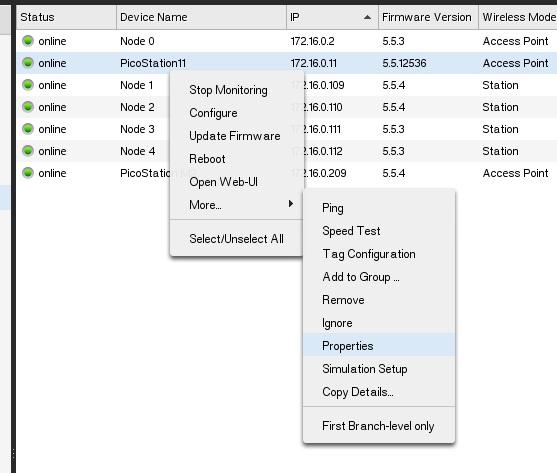
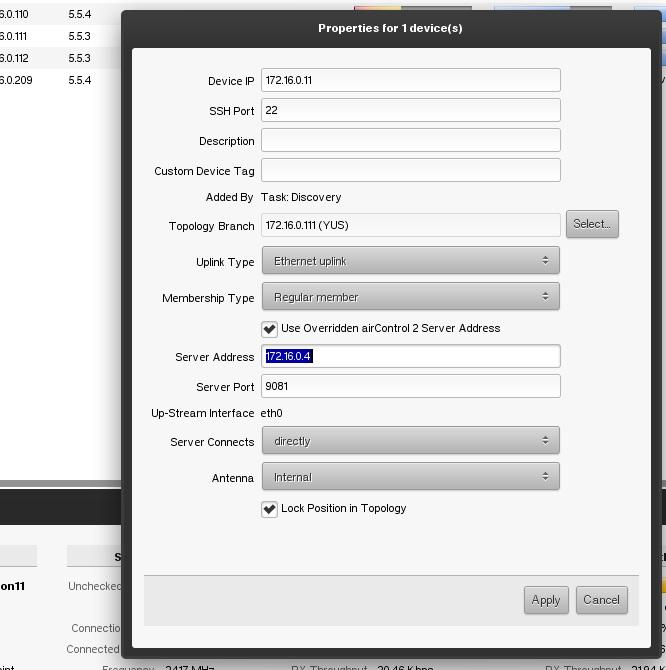
Вот нарыл в сети Бету Aircontrol 2. Может кому пригодится.
Версия под Win
Версия под Linux
Версия под МАС
А вот видео демонстрация:
http://www.youtube.com/watch?v=4Wxmb2Ju0kw
http://www.youtube.com/watch?v=Vs7X4ChYa4Y
airControl 2.1 Beta released!
I'm pleased to announce airControl 2.1 Beta with Web Client.[/size]
IMPORTANT! Make sure you read these release notes before posting any new issues to the forum!
We highly recommend Chrome Web Browser for Web Client.
INSTALLATION NOTES:
Java requirements
Important! Starting from v2.1 beta the minimum supported Java version is 8.
We bundle Java 8 runtime with Windows and Mac OS X installs. For Linux Java must be upgraded manually.
HTTPS Port
The default port for Web Client is 9082. If you type http://<server address>:9081 url into browser, you will be always redirected to secure connection on port 9082(or other configured port). We support only SSL/TLS protocol.
To change the port used by Web Client you must modify property server.secure.port in ac_server.properties file (port update from Desktop Client and Web Client will be implemented soon). Normally installer should update this property to 9082. Please check your ac_server.properties file to see if server.secure.port was updated. If not, change it to 9082 or other value to avoid conflicts with existing applications and restart server.
32 bit and 64 bit installers
We provide different installers for 32 and 64 bit versions Java. Make sure you choose the same architecture installer as Java version installed on your system. If you get errors like java.exe is damaged on Microsoft Windows it is very likely that you are using incorrect version of java.
Microsoft Windows and antivirus service
You might need to disable your antivirus if you are having problems installing airControl on Microsoft Windows.
Manually setting up PostgreSQL
PostgreSQL 9.4 or later is required. We strongly recommend using latest version of PostgreSQL.
You only need to create a new database and create database user with write permissions, database schema will be initialized by airControl automatically.
You should provide database settings during installation. Later you can edit ac_server.properties file to modify any database connection properties manually.
UPGRADE NOTES:
We support upgrade from v2.0 GA and later. And make sure you make a backup before upgrading.
IMPORTANT! Downgrade to older versions is not supported.
KNOWN ISSUES:
* Some MacOS X clients might experience graphical issues. Try adding -DenableTextureCoordFix to airControl2Client.vmoptions in client installation root.
* If you see dots instead of connected lines in charts you might need to restart monitoring for that device.
* For limited user with only monitor permissions we still show action buttons but they will fail to execute.
ROADMAP:
Here is a partial list of features that we are planning to implement until v2.1 final:
* Automation rule editor
* Allow viewing full task history, not only one a single day
* Relocate device on map
* Show links between devices on map
* Search devices on map
* More streamlined discovery task
* Speed test tool
* Ping tool
* REST API documentation
* Show only selected topology branch on map for Web Client
* Statistics data export
* Device firmware update check and auto download
* And more...
CHANGELOG:
[2.1-Beta] - 2016-10-05
### Added
- Web Client
### Fixed
- Syncing location to device appends coordinate value instead of replacing
- Tilde is not treated as a special character when setting user password
Скачать все версии:
https://drive.google.com/open?id=0B_oeUZyRM7M-WEJsMk1zX0hDaDg
https://drive.google.com/open?id=0B_oeUZyRM7M-NDZ1OEx0VkI2Y2s
https://drive.google.com/open?id=0B_oeUZyRM7M-Q3RzaW5QTmFWdmM
https://drive.google.com/open?id=0B_oeUZyRM7M-UW53YjIwMnFTeGM